
Moonvault - Secret Photo Keeper
Hide your private photos and videos in a secret vault.
Version 1.0.0 · 3.4 MB · 11 Nov 2026
By downloading, you agree to the Terms of Service.
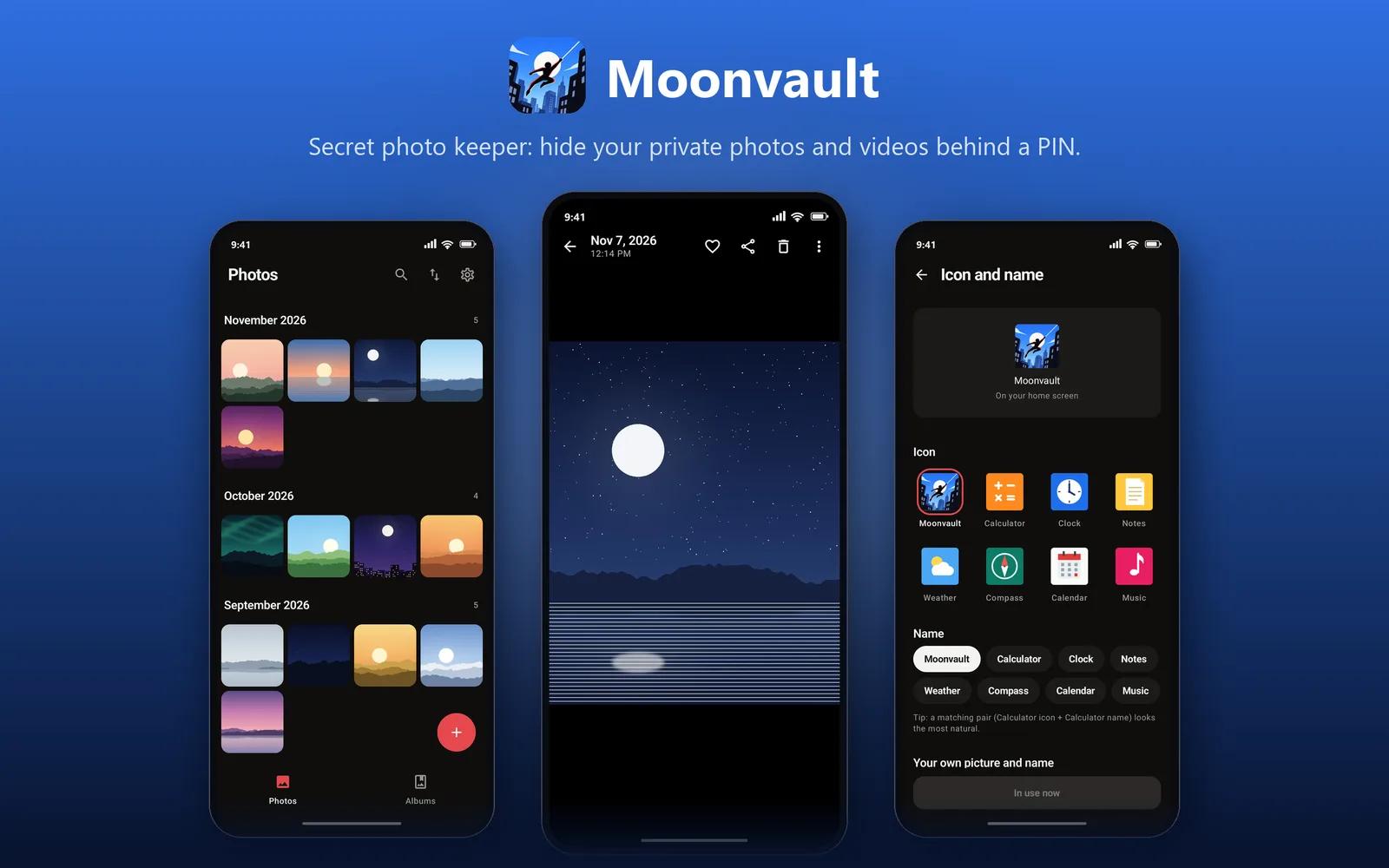
Moonvault hides your private photos and videos. Move them in from your gallery, and only you can open them with your PIN or fingerprint.
It works like a normal gallery, with albums, favorites, videos and search. It can also look like a Calculator or Clock, so nobody knows what it is.
Everything stays on your phone. The app has no internet, no ads and no account.
Note: unhide your photos before you uninstall the app, or they will be deleted.
- Hide photos and videos from your gallery
- Lock with a PIN or fingerprint
- Photos are encrypted on your phone
- Albums, favorites, videos and search
- Change the icon to Calculator, Clock and more
- Share photos into it from any app
- Blocks screenshots
- No internet, no ads, no account
Requires Android 8.0 or later
- Scanned before publishing
- Scan this on VirusTotal
- Be the first to rate this app
- Get help with Moonvault - Secret Photo Keeper
Version history and SHA-256 checksums
-
Version 1.0.011 Nov 2026, 3.4 MB
27df3437e2ecd83b37bf05cd8b344d01962239aed23e1604cd49e483a550b06c
- Locked with your PIN or fingerprint
- Encrypted, stays on your phone
- Can look like a Calculator
- No internet, no ads
Installing an Android app
Three steps, and you can check the file before you install it.
Download the APK
Open this page on your phone and tap the Download button for the app you want.
Allow this install
The first time, Android asks for permission to install from your browser. Turn on Allow from this source.
Open and install
Open the downloaded file and tap Install. To check it first, run the command below on a Windows PC.
certutil -hashfile "Moonvault-1.0.0.apk" SHA256